
What Is SS IPTV? The Complete Guide to Simple Smart IPTV
A player for the playlist you already have — what that means in practice, and what you need before your first channel plays.

SS IPTV is a player, not a provider. That single distinction answers most of the questions people bring to this site: what the app actually does, why it asks for a playlist on the first launch, and why a fresh install shows no channels at all.
This guide covers the whole picture. You will see what SS IPTV is responsible for, what your playlist is responsible for, the three things you need before you start, and which first-week problems are completely normal. Everything here applies to the Android app published by Play Souza Apps.
What SS IPTV actually does
SS IPTV is an IPTV player for Smart TVs and Android devices. It reads the M3U playlist you give it, turns those entries into a browsable channel or library list, and plays the streams your source provides.
That is the whole job. The app is the furniture; the playlist is what you put in it. Change the playlist and your entire channel list changes without reinstalling anything. Keep the same playlist and you can move from a phone to a television and see the same content.
Everything else the app offers follows from that design: a channel list you can organise, favourites you can reach quickly, a programme guide when your playlist carries EPG data, and casting where the content and the receiving device support it.
The three things you need before you start
- 1A legal playlist. An M3U file or M3U8 link from a service you are licensed to use. SS IPTV does not sell one, and this guide will not point you at a provider. If you are unsure what counts as licensed, read is IPTV legal first — it explains the distinction in plain language.
- 2A supported device. SS IPTV - Simple, Smart TV is published for Android phones and tablets. Supported content can be cast to a Chromecast device, which is how the app reaches a television screen.
- 3A stable connection. Most first-week complaints are network complaints wearing a player costume. A wired connection or a solid 5 GHz Wi-Fi signal removes a large share of them. If yours is marginal, start with the home network guide.
How a playlist becomes a channel list
The journey from a file to a picture on screen is short, and knowing it makes troubleshooting much easier.
| Stage | What happens | What can go wrong |
|---|---|---|
| Playlist | The app reads your M3U entries | File is malformed, incomplete or expired |
| Guide | EPG data is matched to channels | No EPG in the playlist, or time zone offsets |
| Stream | The app requests the stream URL | Source is down, rate-limited or geo-blocked |
| Network | Packets travel to your TV | Weak Wi-Fi, congested channel, slow DNS |
When something fails, the question is always which row broke. A playlist that loads but plays nothing is a stream or network problem. A playlist that refuses to load at all is usually the playlist itself. That is why the troubleshooting guides on this blog separate those cases instead of lumping them together.
What you can do inside the player
Once a playlist is loaded, SS IPTV behaves like a well-made media player rather than a channel browser bolted onto a video engine. In practice you will use it to:
- browse your channels or library as one organised list rather than a wall of raw entries
- save favourites so the handful of things you actually watch sit at the top
- open a programme guide when your provider supplies EPG metadata
- resume playback and pick up where you left off
- cast supported content to a compatible device
Menu names and their positions change between releases and platforms. If a label in a guide does not match what you see, trust your screen — the app's own release notes are the reference, not a screenshot from last year.
What SS IPTV does not do
This matters more than any feature list, because most disappointment comes from expecting the wrong thing:
- It does not provide channels, playlists or subscriptions. A fresh install has no content, and that is by design.
- It does not sell content or resell access. There is nothing to buy inside the app.
- It does not guarantee your playlist. If your provider goes down or a stream URL expires, the player cannot invent a replacement.
- It does not decide what you are allowed to watch. That is between you, your provider and the law.
If an app promises unlimited channels for a small annual fee, that app is not a player — it is a content service, and the legal questions are different. Keep the two ideas firmly apart.
Who SS IPTV suits, and who it does not
SS IPTV suits people who already have a playlist from a source they trust and want a comfortable way to watch it on a big screen: fewer taps, a proper channel list, favourites that survive a reboot.
It does not suit someone looking for a ready-made channel package. It also does not suit someone who wants to manage playlists inside the TV's own interface with no phone or computer involved — the connection-code workflow on adding a playlist is the fastest route, but it assumes you can reach the playlist on another device.
First-week problems worth knowing about
Almost every new user hits one of these, and none of them means the app is broken:
- channels load but stutter within minutes — usually network or source capacity
- the guide is empty — your playlist carries no EPG data, or the time zone needs attention
- a cast device does not appear — the phone and the receiver are usually on different networks
- a channel plays on a phone but not the TV — often format or codec support on the TV side
- the playlist disappears after a while — usually a link that has expired at the provider
Each of these has its own guide on this blog, and each one starts from the same principle: identify which stage failed before changing anything.
Where to go next
If you have your playlist ready, move straight to adding your playlist in the app. If you want the app on a television screen, the LG and Samsung guides explain how casting works there.
If you are new to the format, read what an M3U playlist actually is first. Ten minutes there saves an hour of guessing later.
SS IPTV is a straightforward tool once the relationship between player and playlist is clear. Give it a legal playlist, put it on a stable network, and it does exactly what a good player should: gets out of the way.
Frequently asked questions
Keep reading
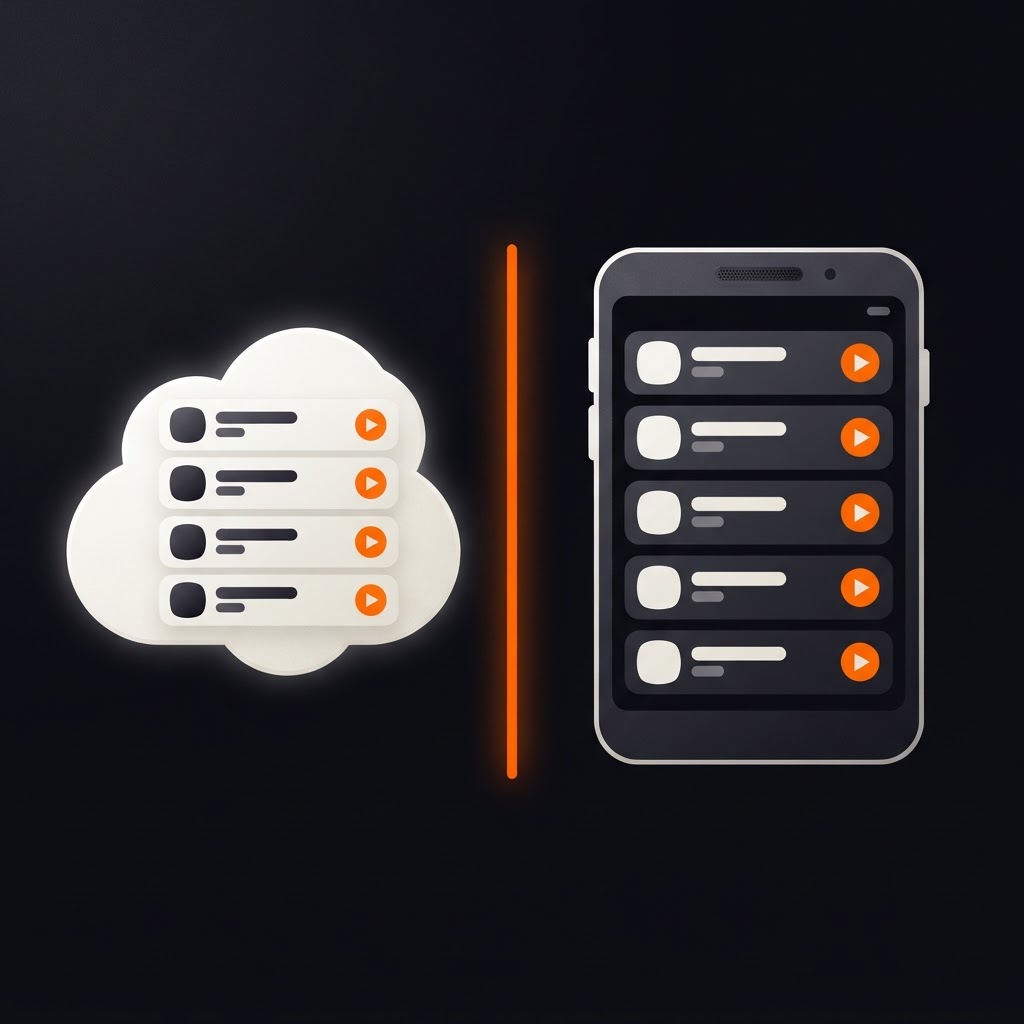
SS IPTV External Playlist vs Internal: What's the Difference?
An external playlist updates itself from a link. An internal one sits on the device. Here is when each makes sense, and how to switch.
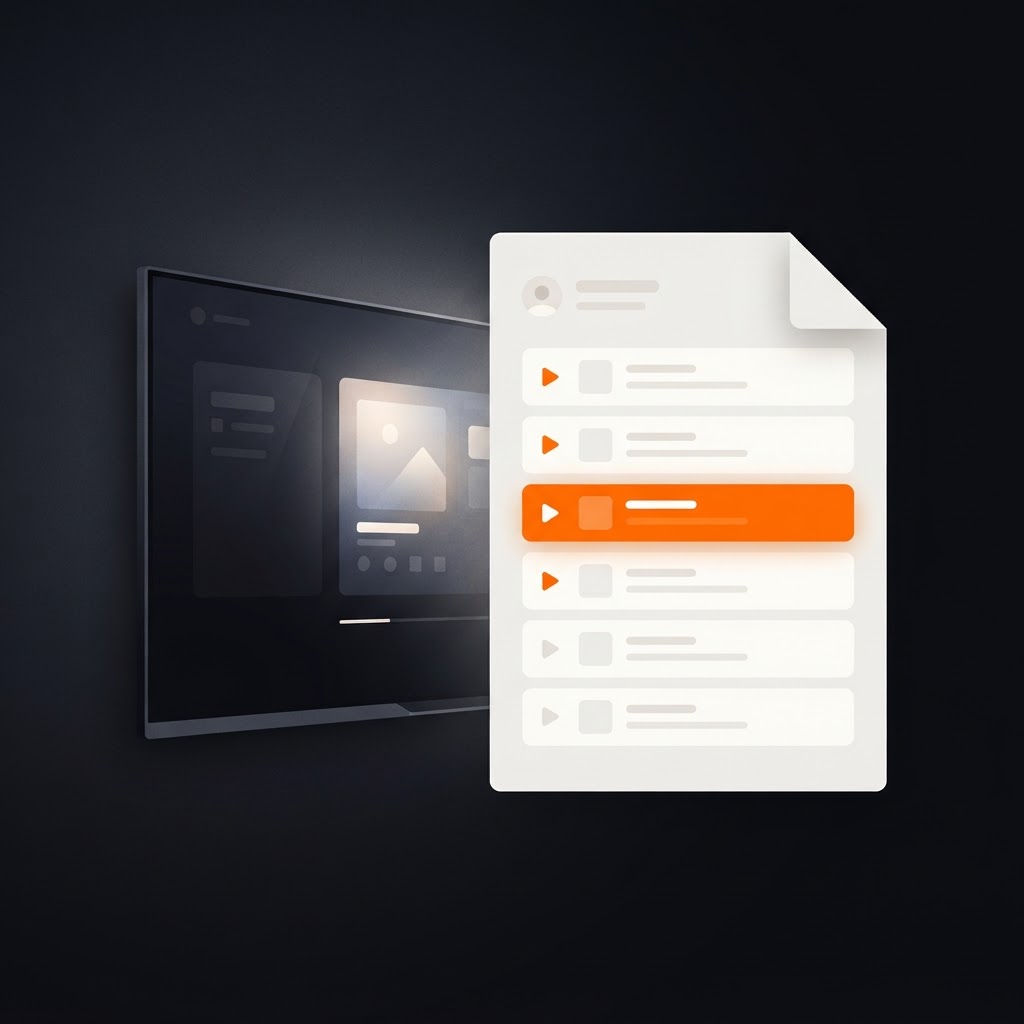
What Is an M3U Playlist? A Beginner's Guide for Smart TV Users
What an M3U file is, what is inside one, how links differ from files, and how to check that yours is valid before your TV sees it.

Is IPTV Legal? What You Need to Know Before You Stream
IPTV itself is legal. Whether your subscription is depends on licensing. A plain-language look at the distinction, and the questions to ask.