
SS IPTV on a Samsung TV: Android App, Then Cast
The route that works on a Samsung set, and how to keep the playlist tidy for it.
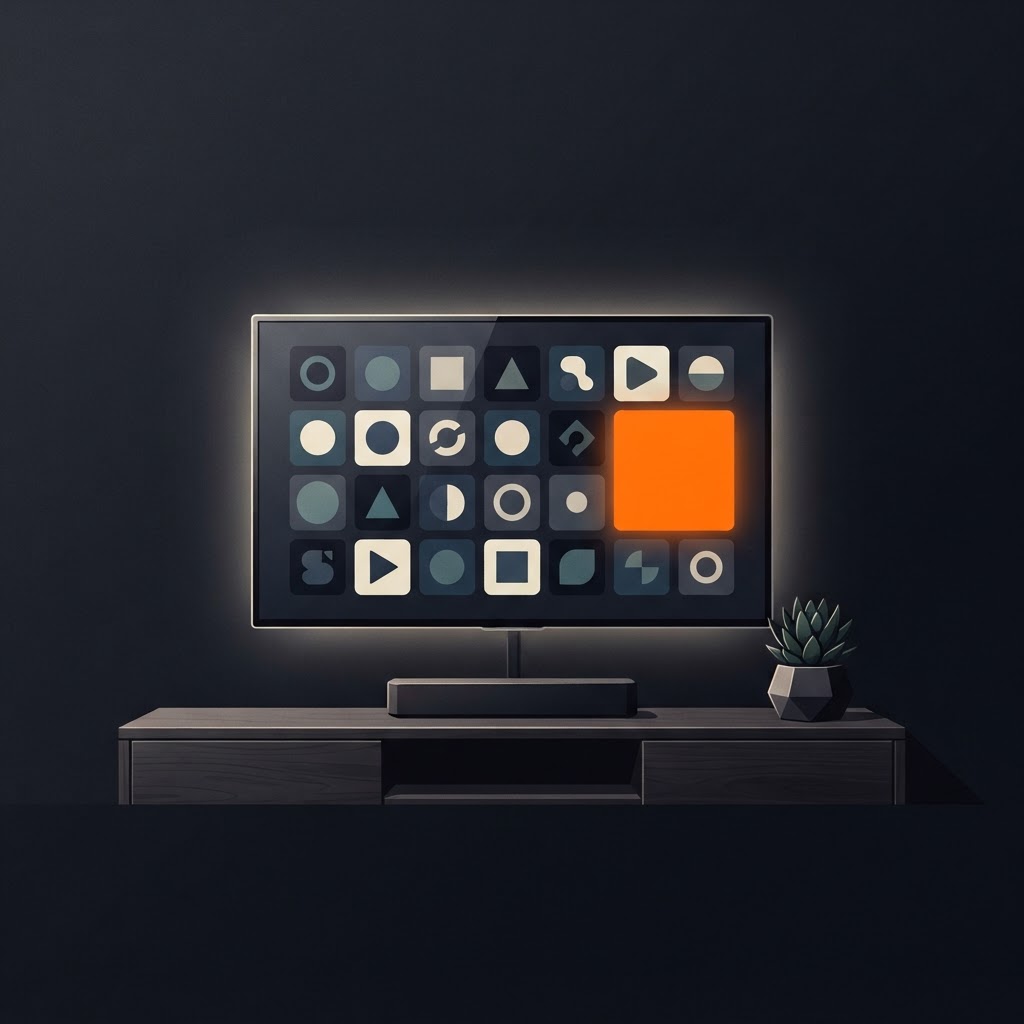
SS IPTV - Simple, Smart TV is an Android app published by Play Souza Apps. On a Samsung television you do not install it on the set: the app lives on your phone or tablet with your playlist inside it, and it sends supported content to a Chromecast device plugged into the TV.
That split explains most problems people run into. A Samsung setup that misbehaves is nearly always either a playlist problem inside the app or a network problem between the phone and the receiver, not a fault in the television.
The whole setup in one paragraph
Install the app from its official Google Play listing, add your own M3U list, connect a Chromecast to an HDMI input, put the phone and the receiver on the same Wi-Fi, then cast.
Before you start
| You need | Why it matters |
|---|---|
| The official Android app | Only the Play Souza Apps listing is this product |
| Your own playlist | The app ships with no content |
| A Chromecast device | This is the connection to the screen |
| One shared network | Casting searches the local network |
Load the playlist properly first
A playlist that loads badly will cast badly, so spend a minute here. Open the app, add a list, paste the full link, and let it load. The load is normally measured in seconds.
Three habits make the rest of the week easier:
- name each list by source or purpose, so the picker stays readable
- save the lists you use often; they reopen without hunting
- mark individual items as favourites, since a long list is not something you scroll every evening
The app also keeps recent lists, which is the quickest way back to whatever you were watching last.
Get the picture onto the TV
Complete the Chromecast's own setup on the HDMI input you chose, switch the television to that input, then use the app's cast control and pick the receiver. The set shows the content once the session connects.
If the receiver does not appear, both devices are almost certainly on different networks. Guest networks, a VPN on the phone, or a phone on mobile data all produce that symptom.
A fresh install looks empty, and should
The app contains no channels, films or subscriptions of its own — all content comes from your list. An empty first launch is the correct state, not a broken download. Load your playlist and the lists fill in.
If the list stays empty after loading, the link or the network is the next thing to check: playlist not loading walks through it in order.
Make sure it is the right app
More than one product uses a similar name. This one is published by Play Souza Apps on Google Play as com.sssiptv.iptvfree, and the developer name is the reliable check. If a listing shows someone else, the setup steps, features and support address belong to a different app — including any instruction to type a code on the television.
That code workflow is not part of this app; the list goes in through the app itself, as shown in adding a playlist.
Where to go next
- Casting walk-through — the shared steps for any receiver
- EPG and the TV guide — when the schedule is blank
- 15 tips and settings — habits that prevent repeat problems
- Best internet for IPTV — if the picture stutters rather than fails
Frequently asked questions
Keep reading
SS IPTV on an LG TV: Cast From Your Android Phone
SS IPTV - Simple, Smart TV runs on Android. This guide covers the route that works on an LG television: cast supported content from the app to a Chromecast device on the same network.
Adding an M3U Playlist in SS IPTV: In the App, No Code
SS IPTV - Simple, Smart TV loads your playlist inside the Android app: name the list, paste the M3U link, load it. No connection code and no upload page are involved.
SS IPTV EPG: How to Add the TV Guide (and Fix a Blank One)
Your playlist usually carries the guide data — not the app. What EPG is, how to turn it on, and how to fix an empty or offset schedule.