
SS IPTV EPG: How to Add the TV Guide (and Fix a Blank One)
Where programme data comes from, why the guide is sometimes empty, and how to fix a schedule that sits hours off.
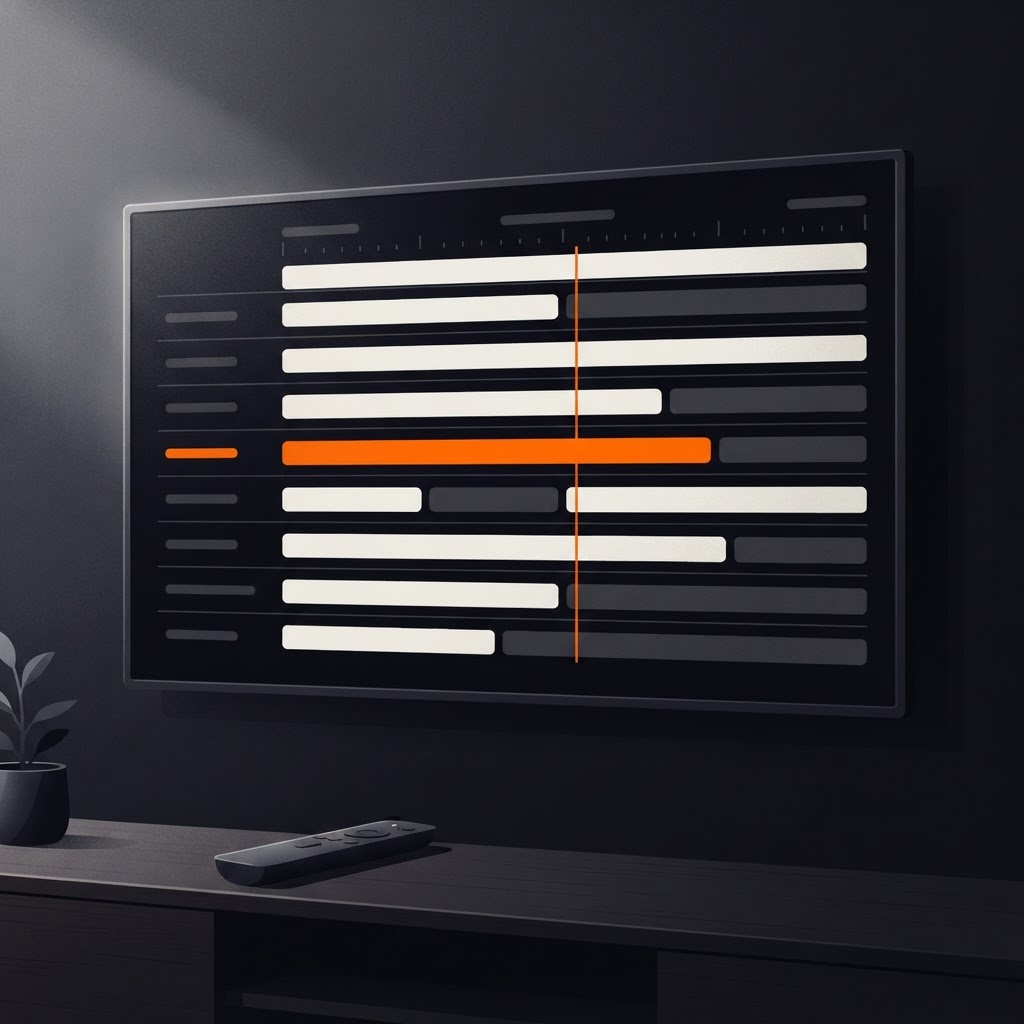
SS IPTV EPG is the difference between a player that shows you a list of channels and one that shows you what is on. In SS IPTV, the guide comes from EPG metadata inside your playlist — so an empty guide almost always means the playlist, not the app.
This guide explains what EPG is, how it arrives, how to enable it, and the four fixes that resolve nearly every empty or offset schedule.
What EPG is, in one paragraph
EPG stands for Electronic Programme Guide: structured data describing what airs on each channel and when. It is usually delivered as XMLTV data referenced from the playlist, or in some formats embedded alongside the channel entries. The player reads it, matches programme entries to channels, and renders a timeline.
No EPG data means no timeline. The app cannot infer a schedule, and it will not invent one.
How to check whether your playlist has EPG
Before touching any settings, confirm the data exists. Two quick tests:
- 1Open your playlist link in a browser on your phone. If the provider publishes a separate guide URL, it will be mentioned there or in your account area.
- 2Look at the playlist file itself if you have it: EPG references often appear as a line near the top pointing at an XMLTV source.
If neither turns up a guide reference, the playlist carries no EPG and the in-app guide will stay empty. That is a provider question, not a settings question.
Step 1: Enable SS IPTV EPG in the app
With a playlist that includes EPG, open the guide from the app's main navigation. On a first visit the app may need a moment to fetch and match the schedule, especially on a large playlist.
If the guide loads but shows only a few channels, the playlist's EPG covers only some of them — common with provider playlists where the guide data is partial.
Step 2: Set your time zone correctly
The single most common guide complaint after "empty" is "everything is three hours out". EPG data carries timestamps, and the player renders them against a time zone.
Two settings can be responsible:
| Where | What to check |
|---|---|
| Television | The TV's own time zone and clock, ideally set to automatic |
| App | Any time offset option in the playlist or guide settings, if present |
If the TV clock is right and the guide is still shifted, the EPG source is publishing with a different offset. Some players offer an offset adjustment; if yours does, shift by whole hours until the schedule lines up.
Step 3: Refresh rather than rebuild
After changing anything related to the guide, force the app to reload the playlist rather than uploading it again. A refresh re-fetches both the channel list and the EPG.
Rebuilding from scratch is the last resort, because it clears your favourites along with the guide.
When the guide is empty
Work through these in order:
- 1Is the playlist external and reachable? An unreachable playlist cannot deliver EPG either. Check the link in a browser.
- 2Does the playlist actually include EPG? See the check above. Most empty guides are this.
- 3Is the guide URL blocked or slow? Some EPG sources are large; give the app more than a few seconds.
- 4Is the app up to date? Guide handling has improved across releases, so update the app before deep troubleshooting.
If all four are clean and the guide stays empty, contact your provider — they control the data.
Does the guide affect playback?
No. The guide is metadata. A channel plays whether or not EPG data exists, and a broken guide never causes buffering.
That separation is useful: if playback stutters while the guide is fine, you have a network or source problem, and the buffering guide is the right next read.
Making the guide pleasant to use
Once the data is flowing, a few small choices make it usable with a remote:
- limit the guide to favourites if the app supports filtering
- start from the current time rather than the beginning of the day
- keep the channel list organised, because the guide inherits its order
A guide built on a hundred well-ordered channels is genuinely useful. The same guide over two thousand unsorted entries is a scrolling exercise.
Where EPG fits in the bigger picture
Think of your setup in three layers: the playlist supplies channels, the EPG supplies the schedule, and the network supplies the picture. Troubleshooting is easier when you keep them apart, and most confusion comes from blaming the app for one of the other two.
If you are still at the beginning, start with uploading your playlist. If the channel list itself is empty, playlist not loading covers that case.
When only some channels have a guide
Partial guide coverage is normal with provider playlists, and it is worth understanding rather than fighting.
The EPG file lists programme entries against channel identifiers. If your playlist's channel names or identifiers do not match the ones in the guide data, those channels show nothing. This happens when a provider renames channels, adds regional variants, or sources guide data from a different feed than the channel list.
What you can do about it is limited, and honesty helps here: the matching happens between your provider's playlist and their guide data, not inside the player. Ask the provider whether the guide covers the channels you watch. If they say yes and the app still shows blanks, a full playlist refresh is the next step, because it re-fetches both halves.
Guide versus playback, one more time
It is worth repeating because it saves so much wasted effort: the guide cannot cause buffering, and a missing guide does not mean the playlist is broken. Channels play from the playlist entries, the guide is separate metadata layered on top. When both look wrong at once, the playlist is the common cause; when only the guide is empty, the playlist is almost certainly fine.
With a playlist that carries EPG and a correct time zone, SS IPTV gives you the part of television people actually miss on a smart TV: knowing what is on next without guessing.
Frequently asked questions
Keep reading
SS IPTV on an LG TV: Cast From Your Android Phone
SS IPTV - Simple, Smart TV runs on Android. This guide covers the route that works on an LG television: cast supported content from the app to a Chromecast device on the same network.

SS IPTV on a Samsung TV: Android App, Then Cast
SS IPTV - Simple, Smart TV is an Android app. On a Samsung television you watch it by casting supported content from the phone to a Chromecast device. Here is the full path.
Adding an M3U Playlist in SS IPTV: In the App, No Code
SS IPTV - Simple, Smart TV loads your playlist inside the Android app: name the list, paste the M3U link, load it. No connection code and no upload page are involved.